
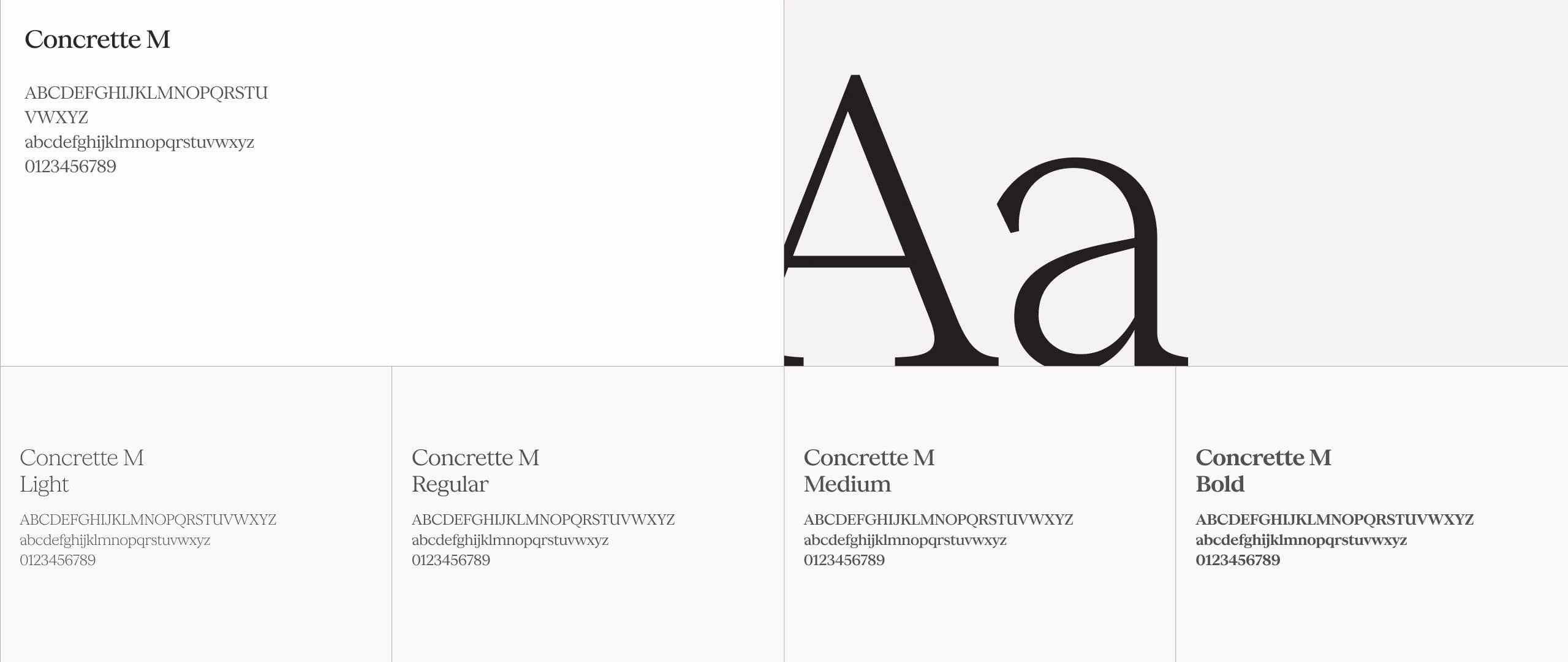
Why typography is the first thing people feel
Before anyone reads a single word, they form an impression of your site. That impression is mostly typographic. The weight of your headings, the rhythm of your body text, the amount of air between lines these decisions communicate confidence, approachability, precision, or chaos, before content even registers.
I've redesigned enough sites to know that swapping a generic system font for a well-chosen typeface, then dialling in the spacing, is often the single highest-leverage design change you can make. Not a new colour palette, not a hero animation the type.
Hierarchy: the silent guide
Visual hierarchy tells readers where to look first, second, and third. Without it, everything competes equally and nothing wins. The tools are straightforward: size, weight, colour, and spacing. The craft is in how you combine them.
A common mistake is reaching for too many levels. Most pages need three, maybe four: a display heading, a section heading, a body size, and a label or caption size. Every additional level dilutes the system. When everything is emphasised, nothing is.
“When everything is emphasised, nothing is. Restraint in type hierarchy is a form of clarity.”
On this portfolio, I use a single typeface family at four weights across three size steps. The result feels consistent and intentional. Readers don't notice the system they just find the content easy to navigate.
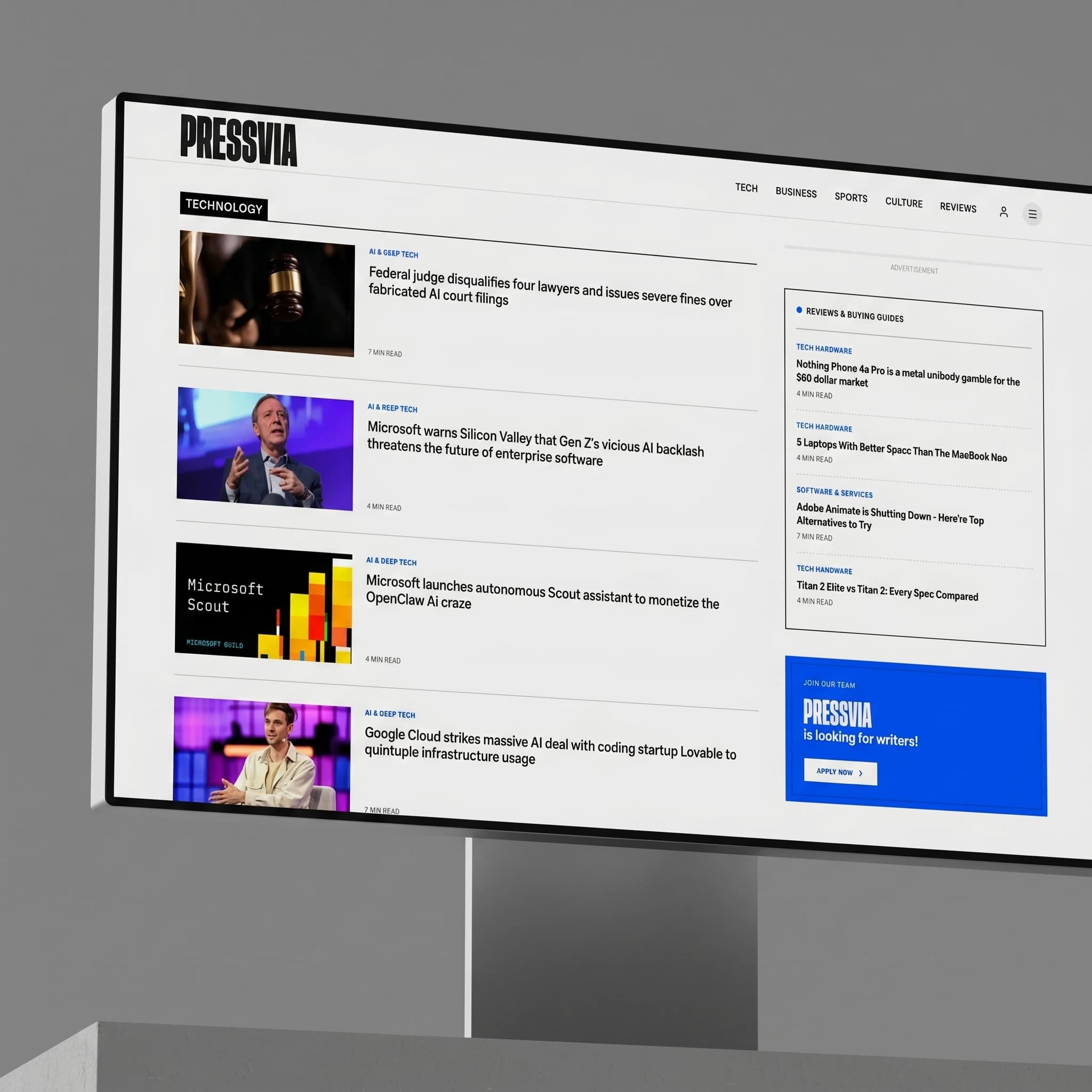 Pressvia type-led layout
Line height and measure: the readability pair
Line height (leading) and measure (line length) work together. Increase one and you usually need to adjust the other. For body copy I land on a line height between 1.7 and 1.9, and a measure of 60–75 characters. Both are starting points the typeface always has the final say.
Tight leading in display text reads as editorial and confident. Loose leading in body copy reads as open and approachable. The same typeface, just different spacing, produces a completely different personality. This is why I never commit to spacing values before I've seen the type set at actual content length.
Body copy: 1.7–1.9 line height, 60–75 character measure
Display headings: 0.95–1.1 line height, no measure constraint
Labels & UI text: 1.2–1.4 line height, tracking +0.05–0.1em
Never set body text smaller than 15px on desktop
Increase base size before adding more type levels
Tracking: the most misused lever
Letter-spacing (tracking) should almost never be applied to body copy it breaks the natural rhythm that type designers spent years perfecting. Where it earns its keep is in all-caps labels, small utility text, and very large display headings where optical spacing between letters starts to feel uneven.
The rule I follow: if you can read the tracking adjustment, it's probably too much. Effective tracking is felt, not seen. For uppercase labels I add between 0.08em and 0.15em. For display headings I sometimes go slightly negative -0.02em to -0.04em to tighten the perceived weight at large sizes.
Font pairing without overthinking it
Most sites don't need two typefaces. A single well-chosen family with enough weight range covers headings, body, and UI labels comfortably. Adding a second face is a tool for personality, not necessity and it doubles the performance cost and design decisions.
When I do pair, I look for contrast in structure, not just style. A geometric sans with a humanist sans looks like indecision. A geometric sans with a slab serif, or a variable display face with a neutral mono for code blocks these pairings have a reason to exist. The contrast creates visual interest; the contrast in function makes it legible.
The short version
Pick one typeface. Set it at the right size. Give your lines room to breathe. Build a hierarchy with three levels, not six. Use tracking only where text is small and set in caps. Every other typographic decision flows from getting those five things right.
Typography is the invisible infrastructure of every design. When it's right, nobody notices it. When it's wrong, nobody can stop noticing it.

I design and build digital products from Sri Lanka. If this was useful, feel free to share it or reach out.